QR Menu for Food Trucks: Why It's a Must-Have in 2026
Running a food truck means constant movement — new locations, new events, changing menus based on what's fresh or what sold out yesterday. A printed menu board can't keep up. A QR code menu can. It's always current, always available, and costs nothing to update. Here's why every food truck in 2026 needs one.

Why Food Trucks Are a Perfect Fit for QR Menus
Food trucks have unique constraints that make digital menus even more valuable than they are for traditional restaurants.
- Limited physical space: There's no room for large printed menu boards, and customers crowd the window trying to read a small sign. A QR code lets them browse from the line.
- Constantly changing menus: Food trucks often change their offerings based on location, event, season, or ingredient availability. Reprinting is impractical.
- Speed matters: Long lines kill sales at food trucks. When customers can browse the menu on their phone while waiting, they order faster at the window.
- Multiple locations and events: You might be at a farmers market on Saturday and a music festival on Sunday. One QR code works everywhere — print it once.
The Problem with Traditional Food Truck Menus
Most food trucks rely on chalkboards, printed signs, or menu boards attached to the truck. Each has serious drawbacks.
Chalkboards smudge and fade
Rain, wind, and sun damage handwritten menus. They're hard to read from a distance and impossible to keep clean on the road.
Printed signs can't be updated
If you run out of a popular item or want to add a special for an event, you're stuck with whatever's already printed.
Customers can't read from the line
People standing 10 feet back in the queue can't see your menu. They reach the window unprepared, slowing down everyone behind them.
No photos on a chalkboard
Food trucks sell with visual appeal. A chalkboard can't show your loaded tacos or artisan burgers the way a phone screen can.
How a QR Menu Solves Every Food Truck Problem
A digital QR menu addresses each of these pain points directly.
Browse from the line
Post your QR code prominently on the truck. Customers scan it as soon as they join the queue and have their order ready by the time they reach the window.
Update in seconds
Sold out of pulled pork? Hide it with one tap. Want to add a festival-only special? Add it from your phone — live in seconds.
Photos that sell
Showcase your dishes with mouthwatering photos. Customers are far more likely to try something new when they can see how good it looks.
Works in any weather
Your menu lives on the customer's phone, not on a board that can get rained on, blown over, or sun-bleached.
How to Set Up a QR Menu for Your Food Truck
It takes less than 15 minutes to go from zero to a fully published QR menu.
-
Create your free account
Sign up on TopFood App — it's free, no credit card required. Add your food truck name and upload your logo.
-
Add your menu items
Create categories (mains, sides, drinks) and add your dishes with prices, descriptions, and photos. Tag allergens if applicable.
-
Download your QR code
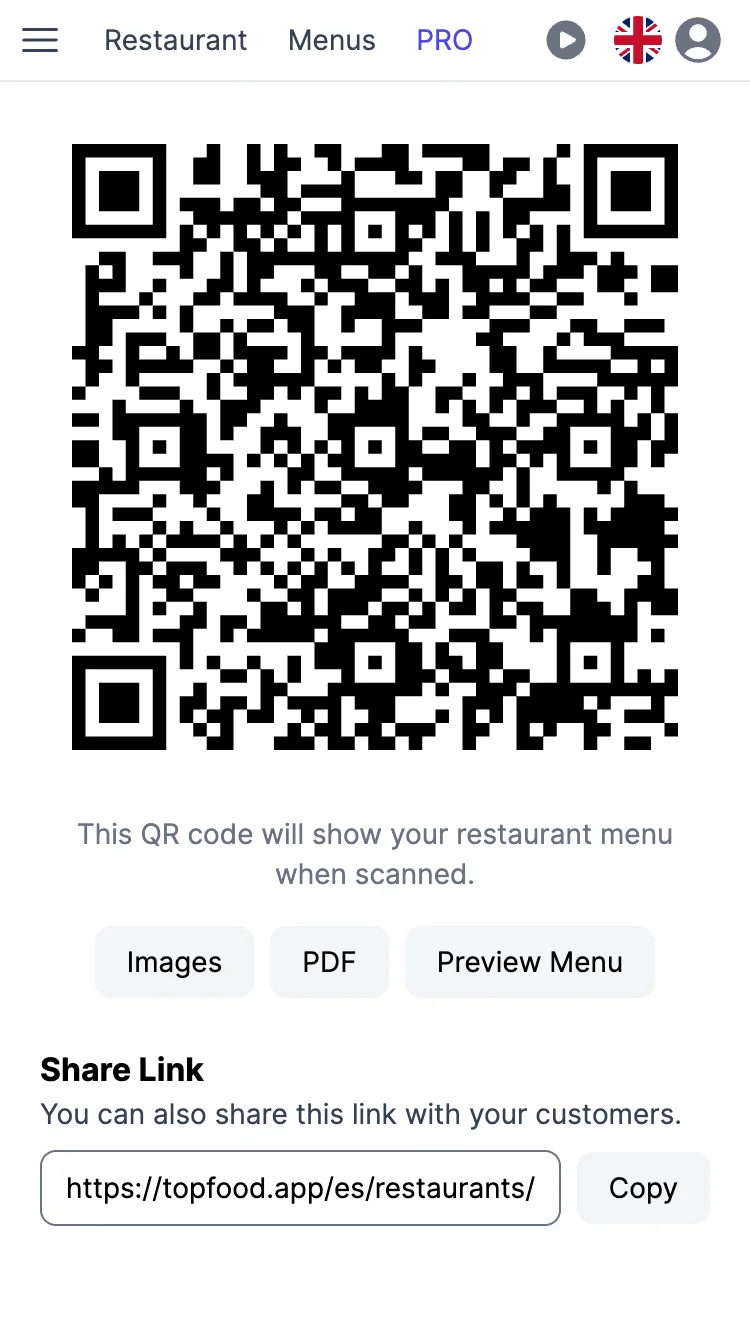
Generate your permanent QR code. Print it as a sticker for the truck, a table tent for events, or a poster for the serving window.
-
Update whenever you need
Before each shift, adjust your menu: add specials, hide sold-out items, update prices. The QR code stays the same.
Food Truck QR Menu Tips
- Place the QR code where the line forms: Put it at the back of the queue area, not just at the window. The goal is for people to scan while they wait.
- Make the QR code large: A tiny QR code on a busy truck is easy to miss. Use a large format (at least 15cm / 6 inches) with high contrast.
- Add a short instruction: Not everyone is familiar with QR codes. A simple 'Scan to see our menu' text below the code removes friction.
- Use photos for your best sellers: You don't need photos for every item. Focus on your signature dishes — the ones that make people line up.
- Update your menu the night before: Get into the habit of checking your menu the evening before a shift. Add any specials, hide unavailable items, and adjust prices.
Serve Faster, Sell More
A QR menu turns your food truck's biggest weakness — limited space and constant change — into a strength. Customers browse on their phone, decide before they reach the window, and order faster. You sell more per hour with less confusion and no printing costs. For a business that's always on the move, a QR menu is the one thing that stays perfectly still and always up to date.
Frequently Asked Questions
Is a QR menu practical for outdoor food truck events?
Absolutely. QR codes work in any lighting condition and customers view the menu on their own phone screen — which is always readable, even in direct sunlight. Unlike a chalkboard or printed sign, the digital menu can't be damaged by weather.
What if my food truck has no WiFi?
Your customers use their own mobile data to load the menu. The menu pages are lightweight and load fast even on slow connections. You don't need to provide WiFi.
Can I have different menus for different events?
Yes. You can create multiple menus in TopFood App and switch between them, or simply add and hide items before each event. The QR code always points to whatever is currently active.
Do I need to change the QR code when I update the menu?
Never. Your QR code is permanent. Print it once on a sticker or poster and it will always show the latest version of your menu, no matter how many times you change it.