10 OpenTable Alternatives for Small Restaurants in 2026
A 40-seat bistro can attract bookings through Google, Instagram, and word of mouth, then still pay a reservation platform for each diner. For independent venues, the key questions are who owns the booking, what each cover costs, and whether the fee is worth the extra demand or tools that help encourage diners to return more often.
This guide compares ten OpenTable alternatives on per-cover fees, booking caps, add-ons, no-show prevention, walk-in handling, and fit for a café, bar, or multi-site group. Published prices and terms can change, so confirm them with each provider before switching. TopFoodApp is the publisher's own product, assessed on the same criteria as the other options.
Table of Contents
- 1. TopFoodApp
- 2. Resy
- 3. Tock
- 4. Yelp Guest Manager
- 5. SevenRooms
- 6. Toast Tables
- 7. Eat App
- 8. Hostme
- 9. Resos
- 10. TableAgent
- Free options, published pricing and best-fit venues at a glance
- Matching the Right Booking Tool to Your Venue
1. TopFoodApp
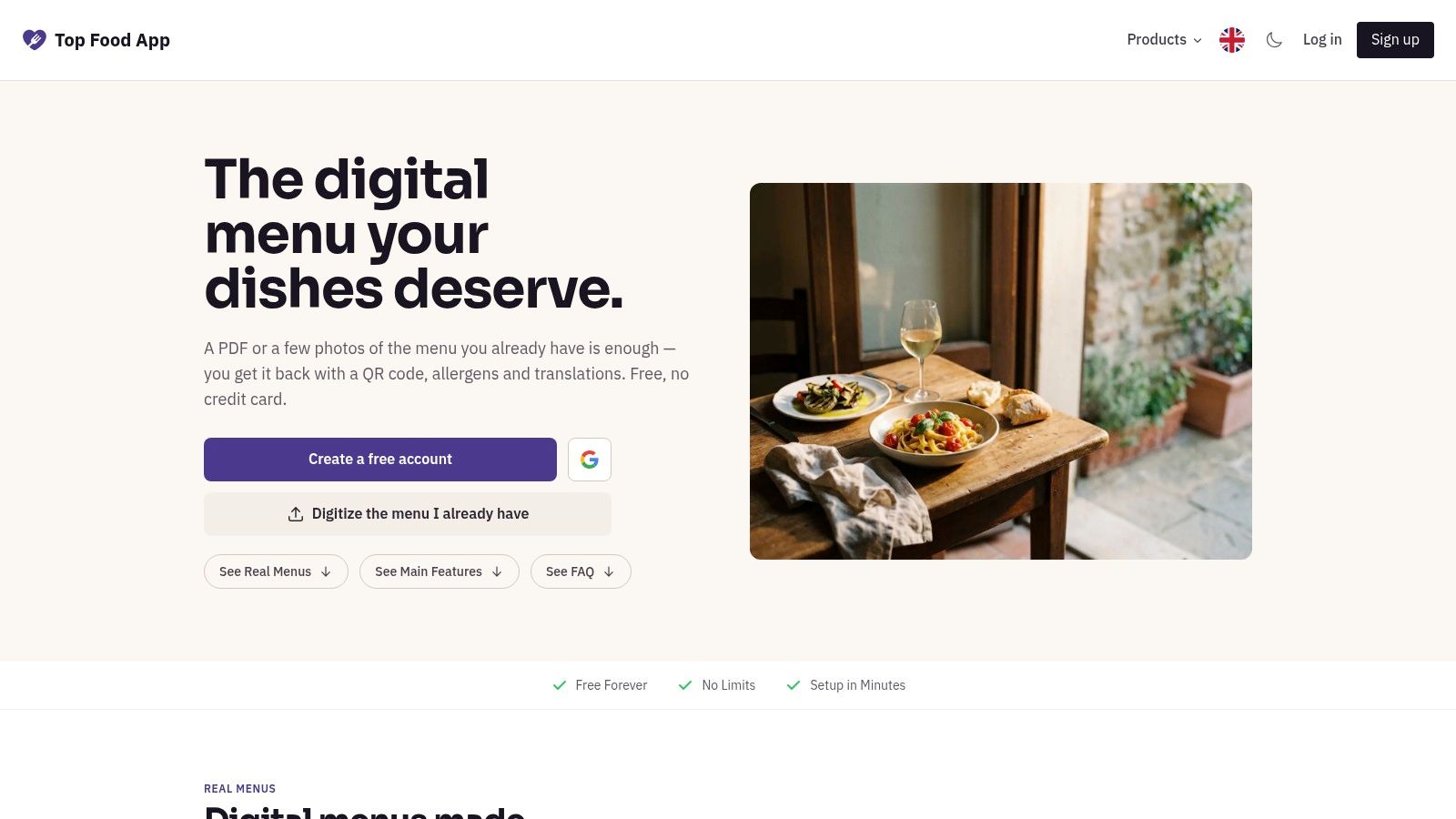
TopFoodApp is the publisher's own product, so assess it by the same practical questions as the other options: what does it cost, where do bookings come from, and how does it handle no-shows and walk-ins? It is a free toolkit for menus, reservations, and guest feedback, rather than a diner marketplace. Restaurants link its booking page or widget from their Google Business Profile, Instagram, or menu, keeping the booking path direct.
Menus and Guest Feedback in the Same Toolkit
The free menu creator turns a PDF or menu photo into an editable menu. Restaurants can add allergen filters, use AI menu translation, and generate a QR code for sharing menus. The free allergen menu tool helps diners check dish information, while the QR code generator creates one code for all the restaurant's menus.
The free reservation system has no per-diner commission or monthly booking cap. Email confirmations and reminders can help reduce no-shows, but the system does not replace floor management: staff still need a process for walk-ins and table assignments. The guest feedback form collects private comments through the menu or a QR code on receipts. Low-rating alerts and a translated inbox help staff follow up; a Google review button appears to every diner, not only those who leave positive feedback.
- Cost: Core tools are free with no per-item limits. The optional Pro plan adds full AI translation and branding options. Check TopFoodApp's current Pro price before budgeting.
- Best fit: Independent cafés, bars, and restaurants that want direct bookings alongside menus and guest feedback. It may be less suited to multi-site groups looking for centralized operating features.
- Setup watch-out: Check AI-imported dish names and prices before publishing. The TopFoodApp alternatives overview gives more detail on its toolkit.
Reminders can prompt a diner to cancel rather than miss a booking, giving staff a chance to offer the table again. They cannot prevent every no-show, so choose a tool based on how much control you need over deposits, walk-ins, and table management as well as its booking fees.
Visit TopFoodApp's website to review the booking flow and current Pro pricing before choosing.
2. Resy
Resy is the closest like-for-like swap if you still want a recognizable diner-facing platform. It combines reservations, floor-plan and table management, walk-in waitlists, guest profiles, automated communications, POS integrations, and tools for events and experiences.
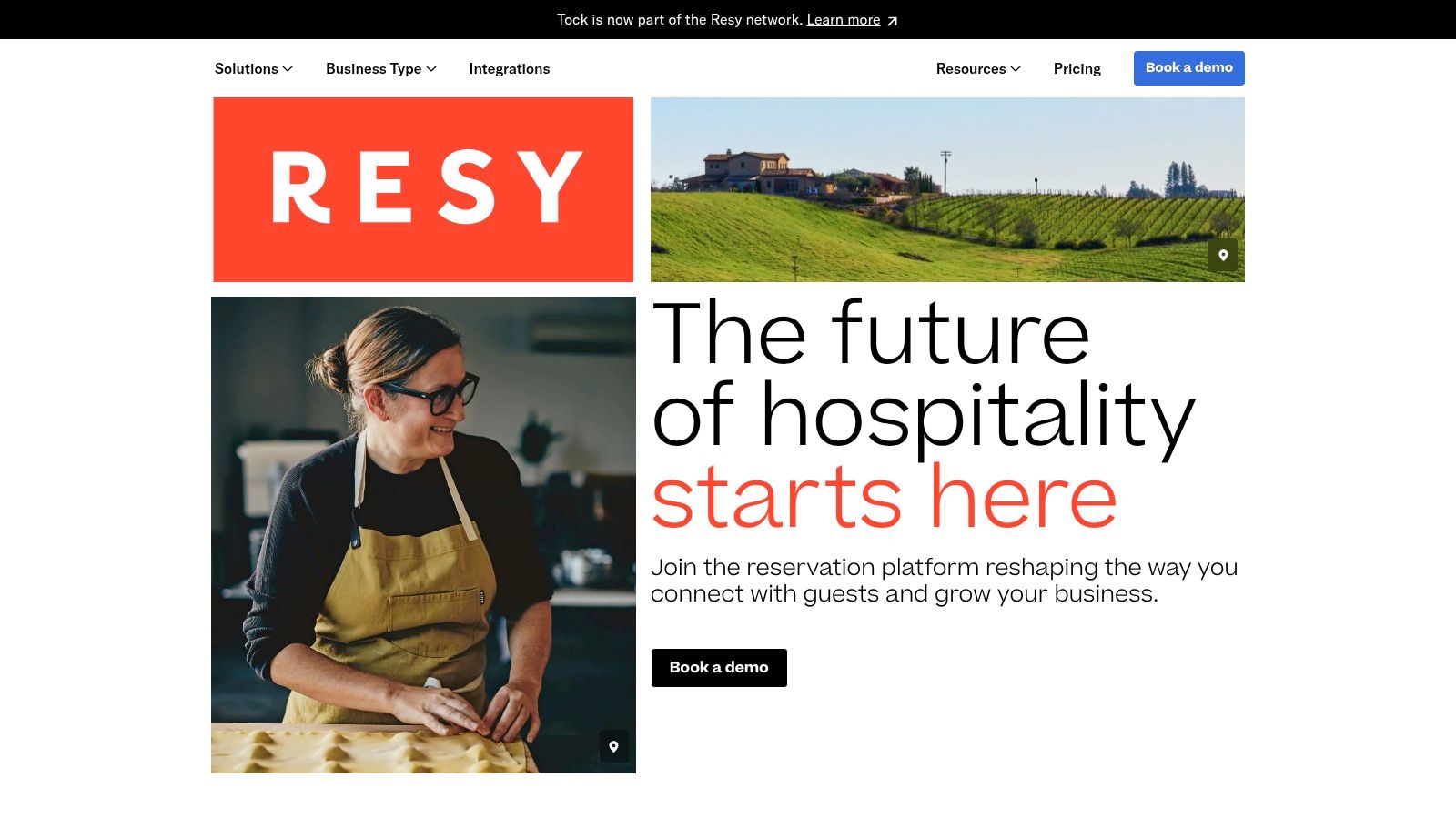
Published plans don't charge a per-cover reservation fee, which makes costs predictable at high volume. The trade-off is the starting price. Plans start at $289 per month on Resy's published plan information, with higher tiers costing more, and that's a US dollar figure you should convert and reconfirm if you're outside the US.
Where It Helps and Where It Pinches
- No-show tools: Deposits, card holds, and prepayments are available, with extra prepayment fees plus standard payment processing.
- Operations: Waitlists and guest notes suit a busy dining room that turns tables and handles walk-ins nightly.
- Fit: Stronger for a destination restaurant than a quiet café that only needs a simple widget.
Treat deposits as a targeted tool, not a blanket policy. A dataset covering 3,768,761 reservations at 2,417 restaurants recorded a 2.33% overall no-show rate, and reservations with no-show protection recorded 0.80% no-shows compared with 2.47% where no payment requirement was used, according to the reservation dataset summary. That source cautions this is an association, not proof deposits alone caused the difference. Test protection on peak nights and large parties first.
I wouldn't pay Resy's entry price unless its diner discovery brings you guests you can't reach through Google and your own channels.
3. Tock
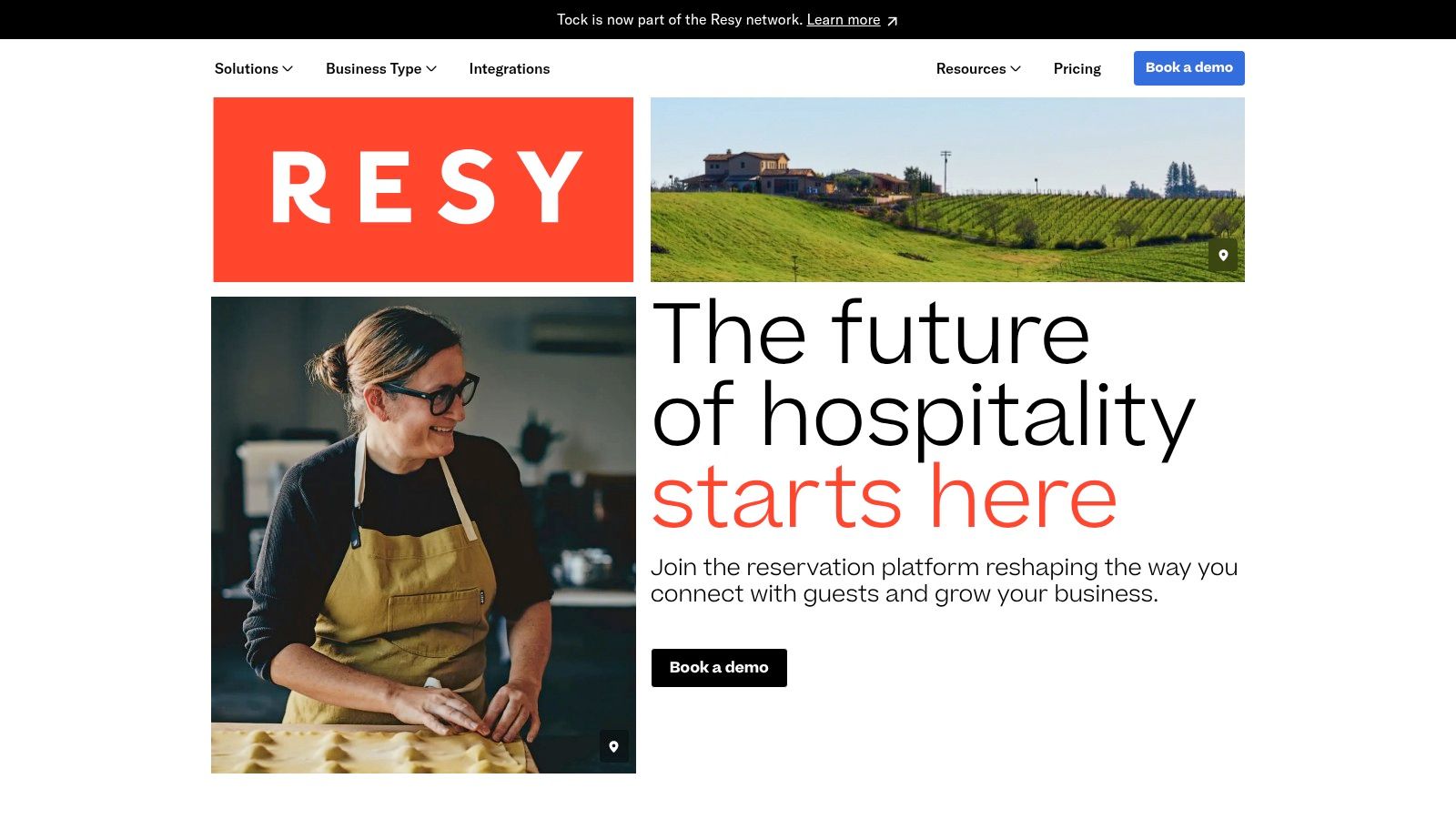
A tasting-menu restaurant, winery, or ticketed supper club needs guests to commit before service. Tock supports standard reservations and floor plans, with a stronger focus on ticketed events, bookable experiences, deposits, and prepayments for restaurants, bars, breweries, hotels, and pop-ups.
On a fixed-menu night, an unfilled seat represents food and staffing already prepared for, with little chance to sell that capacity again. Prepaid seatings suit that kind of service. They can be a poor fit for a neighbourhood café where guests expect flexible bookings and a payment request may add friction.
- Best fit: Destination restaurants, wineries, and venues selling experiences that require advance planning and commitment.
- Weak fit: Cafés and other venues built around flexible bookings, especially if walk-ins make up much of the service.
- Cost check: Confirm current plan terms and pricing directly. Include any prepayment and payment-processing fees when working out the cost per cover.
Tock's strongest feature is also its main trade-off: asking guests to pay in advance works best when the experience justifies it. Walk-ins are not the product's main focus, so venues whose main challenge is managing a queue may be better served by a waitlist-first tool.
4. Yelp Guest Manager
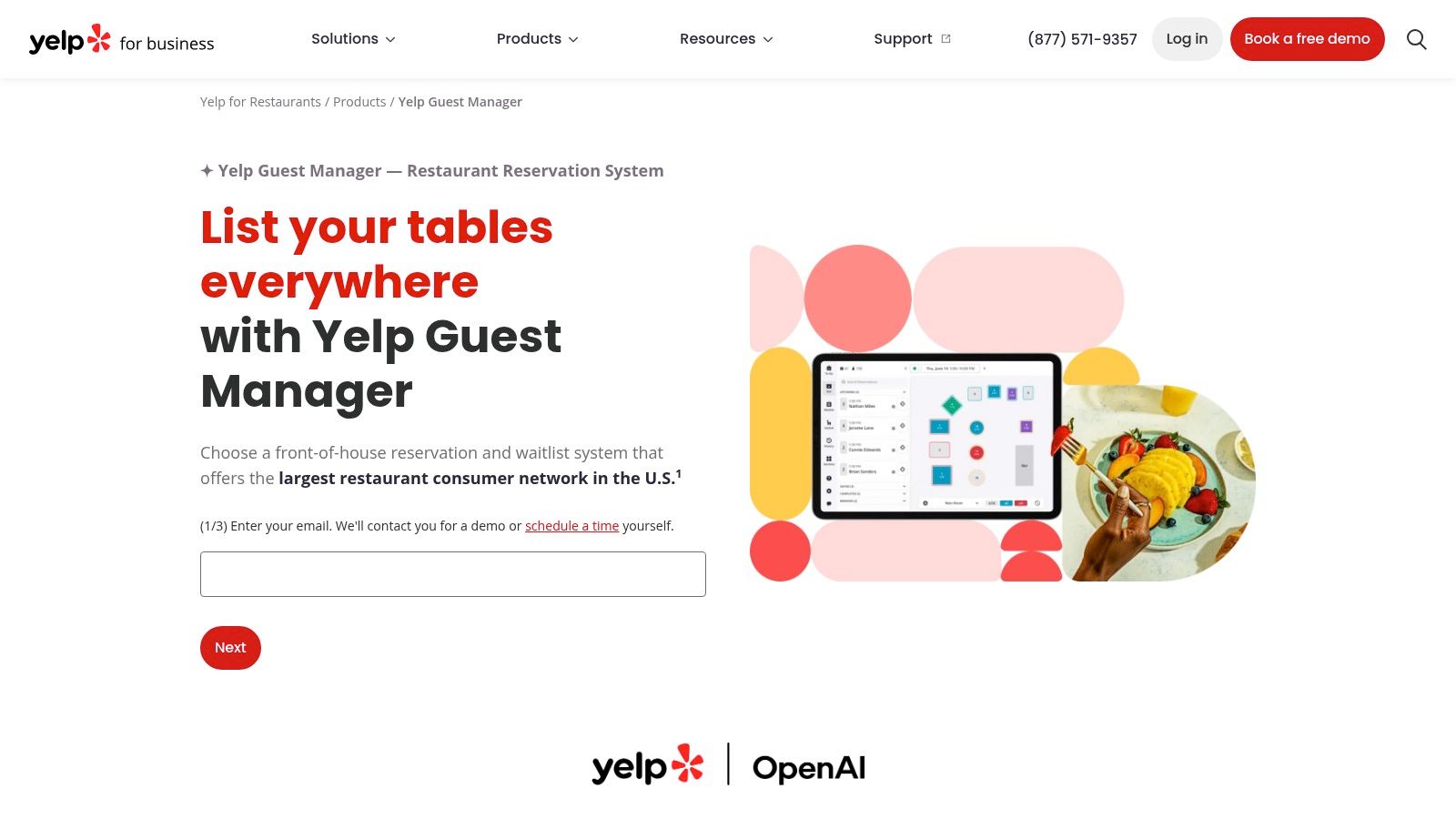
Yelp Guest Manager is most relevant when Yelp already brings diners to your door. It takes reservations from your Yelp page and website, manages a remote waitlist with live wait times and text notifications, handles seating and server rotation, and offers an optional hostless kiosk.
For a US casual restaurant with steady Yelp traffic, those features bring reservations and walk-ins into one front-of-house workflow. Outside the US, or where guests tend to find restaurants through Google and Instagram, Yelp may contribute less discovery. In that case, assess the operational features on their own rather than assuming the marketplace will fill seats.
Check Your Own Discovery First
Before a demo, check how many bookings and calls came from Yelp last month. Then make sure the free channels you control are up to date. The guide to adding a restaurant to Google Business Profile explains how to set up that listing.
A booking link should take diners to a page for the right business location, where they can complete a reservation. A generic homepage can lose people who are ready to book. For multi-site operators, check that each location's link goes to its own booking page.
- Pricing: Package details may require a demo or direct inquiry. Confirm the current terms.
- Daily workflow: Ask whether the quoted package includes the features, integrations, and text messaging your team needs, and whether any carry extra charges. Check how the waitlist handles walk-ins and what options are available for reducing no-shows.
5. SevenRooms
SevenRooms sells guest relationships as much as reservations. You get table management, virtual waitlists, guest profiles and preferences, CRM tools, branded booking widgets, direct-booking integrations, automated messages, surveys, events, and marketing tools.
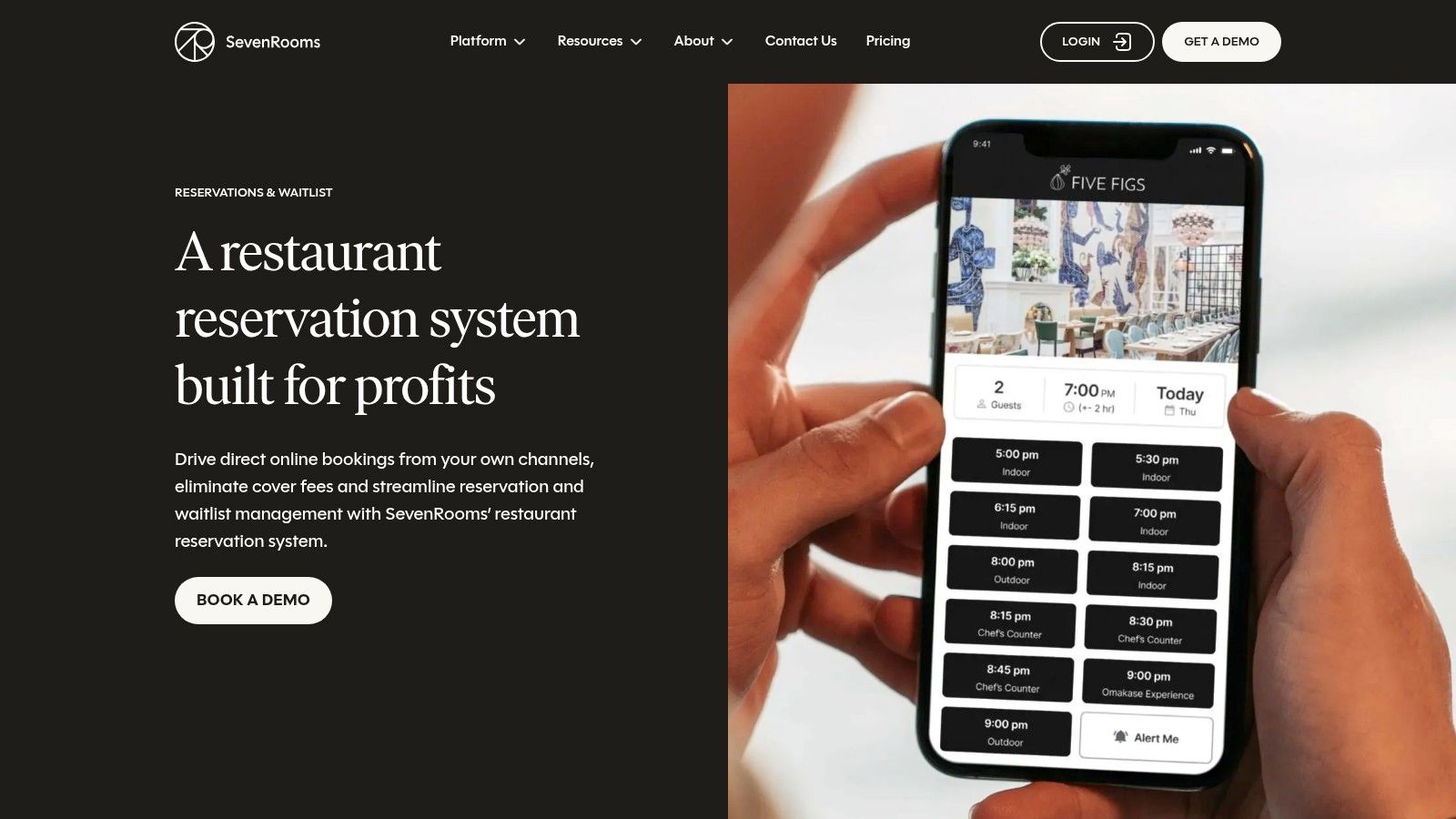
That depth fits a group, hotel, or high-volume venue that wants one guest record across sites. A regular's allergy, favourite table, and past spend can follow them, and your team can market to first-party data instead of renting attention back from a marketplace.
The discovery picture also supports a direct strategy. Industry data from more than 1 million bookings across 75 countries showed website booking forms remained the strongest-performing channel, while Reserve with Google generated 73% first-time users and restaurants activating it recorded a median 32.3% increase in bookings, according to Tableo's global digital booking trends report. Google can introduce the guest. Your system should own the relationship after that click.
Operator test: If you won't assign someone to use guest profiles and campaigns every week, you're paying for CRM shelfware.
Pricing is quote-based and not publicly listed. Setup and configuration need proper evaluation, especially floor plans, user permissions, and data import. For a single-location restaurant with modest covers, I think this is usually more platform than the problem requires. For a growing group that feels blind across sites, it deserves a serious demo.
6. Toast Tables
Do you already run Toast POS? That's the whole decision. Toast Tables links reservations, walk-ins, and waitlists to floor plans showing table and order progress, guest notes and visit history, messaging, and server rotations.
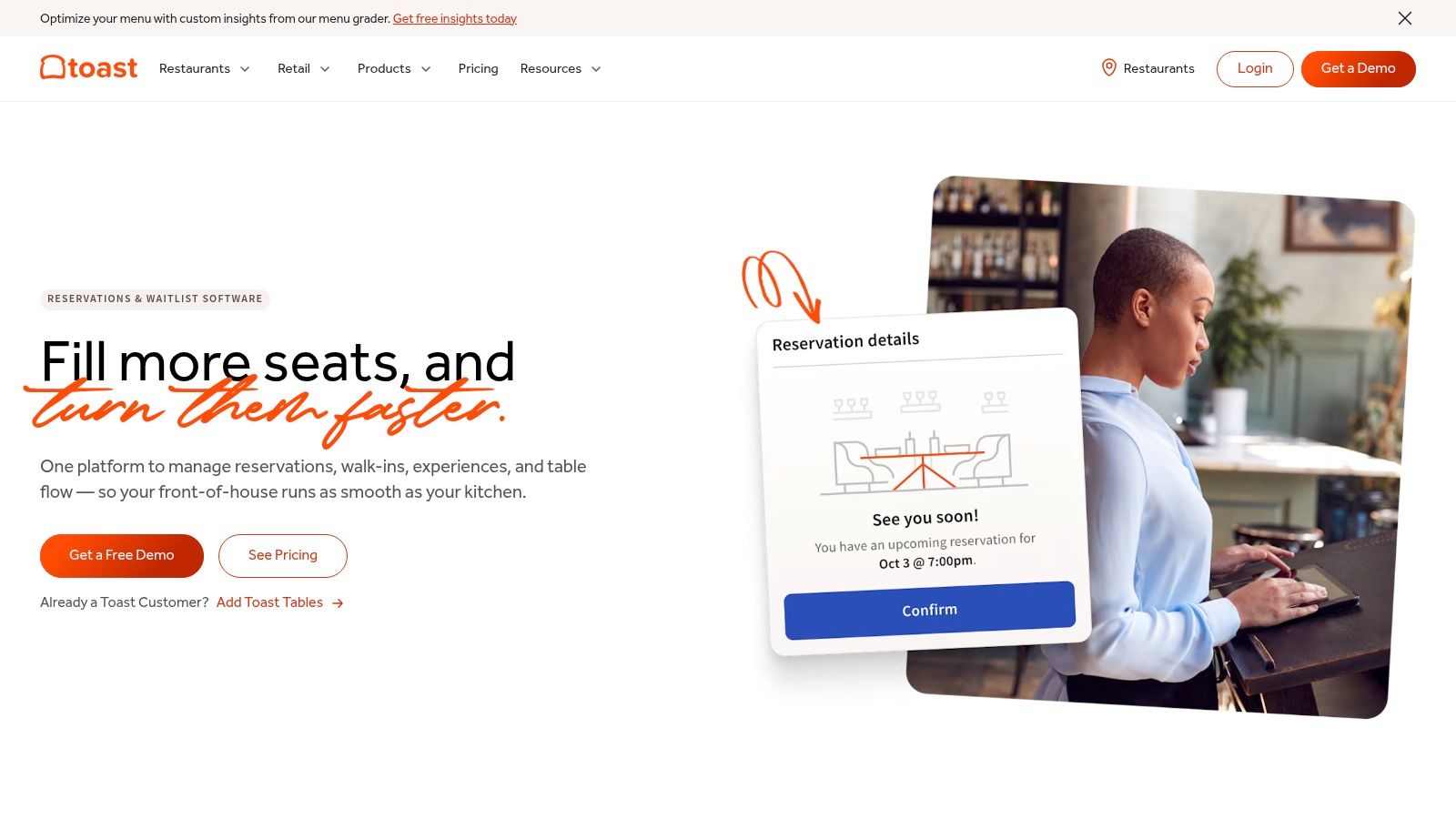
Hosts can see whether a table has ordered, is waiting on mains, or is close to paying, which makes quoted wait times less of a guess. Bookings can come through your website, Google, and Toast's diner app, and the shared POS data reduces double entry during service.
- Choose it if: Toast is already your operating system and your hosts and servers live in it all shift.
- Skip it if: You use another POS and would need a wider migration just to gain reservations.
- Confirm first: The specific Tables price, eligibility, and total cost inside your Toast package.
For venues that aren't ready to tie bookings to a POS, our explainer on why use a digital QR menu shows a lighter route. Diners can view the menu and book from the same phone journey, while staff check the day's bookings on a phone during service.
The risk is lock-in. If reservations, payments, and operations all sit with one vendor, leaving later becomes a bigger project. Price that convenience before committing.
7. Eat App
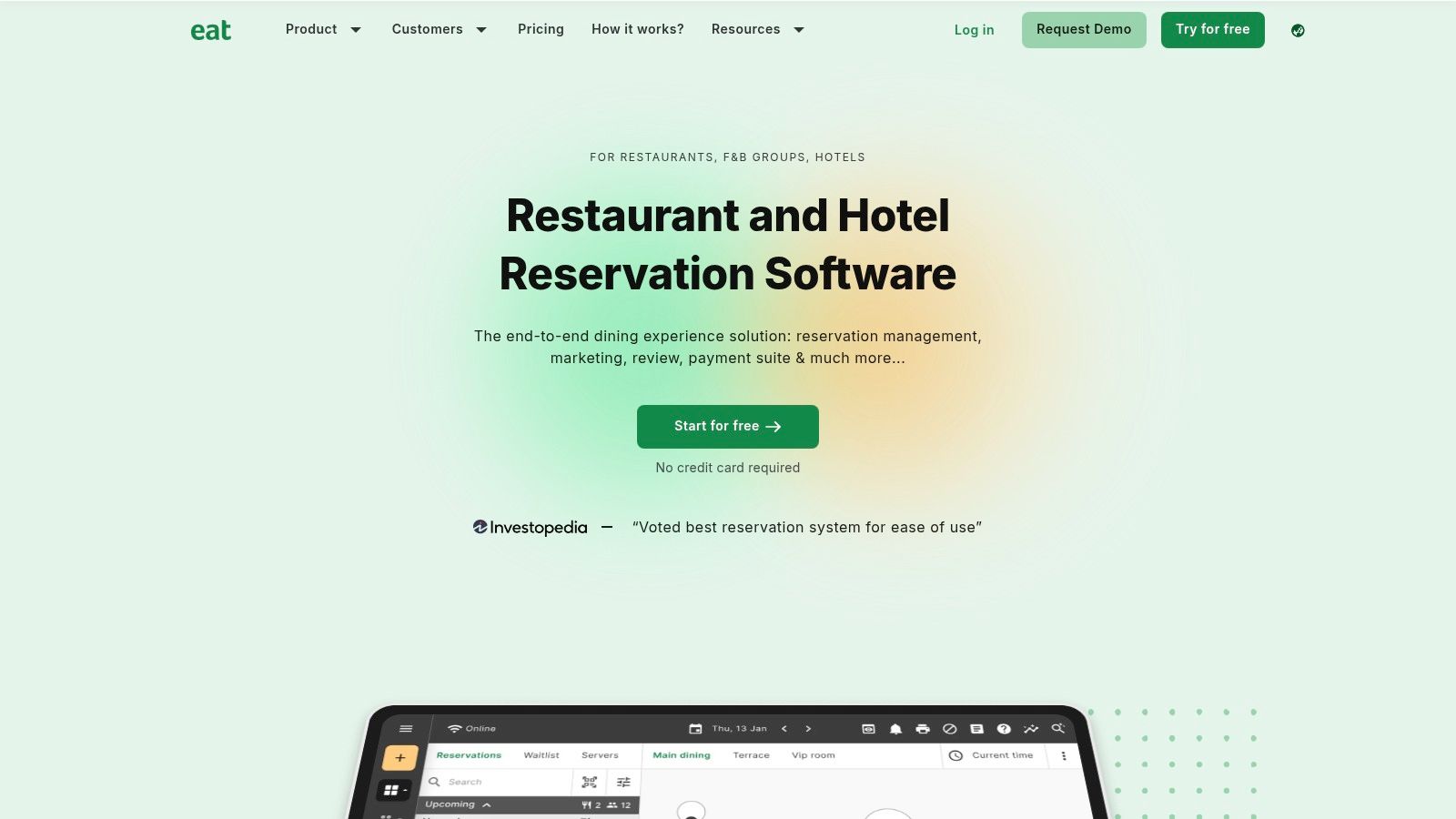
Eat App gives smaller operators a low-risk way in. The free entry plan lets you test online reservations, a booking widget, floor-plan and table management, a guest database, CRM functions, automated messages, and optional payments or deposits before paying for more capacity.
The catch is volume. The free plan is limited to 100 covers per month on Eat App's published plan details. A small café taking weekend bookings may stay inside that for a while. A 60-seat restaurant doing steady lunch and dinner reservations will hit the ceiling fast, so model your busiest month, not your quietest.
How to Judge the Upgrade
List the features you'll switch on in the first month. Then check whether each one sits in the free tier, a paid plan, or an add-on. SMS usage in particular can change the bill, and feature packaging varies, so don't rely on an old comparison page.
- Good for: A single venue that wants bookings plus a basic guest database and expects to grow into paid capacity.
- Watch out for: Paid tiers becoming necessary just as bookings rise, which recreates the cost pressure you were trying to escape.
Compared with a marketplace, Eat App keeps the booking closer to your own channels. Compared with an uncapped direct page, the cover limit is the main compromise. Run a trial month with real services and export your guest data before deciding.
8. Hostme
Hostme publishes monthly US pricing and includes unlimited parties on its plans, which makes forecasting easier than per-cover billing. It covers online and in-house reservations, table management, waitlists, guest profiles, reports, direct feedback surveys, deposits, cancellation fees, event management, and online ordering.
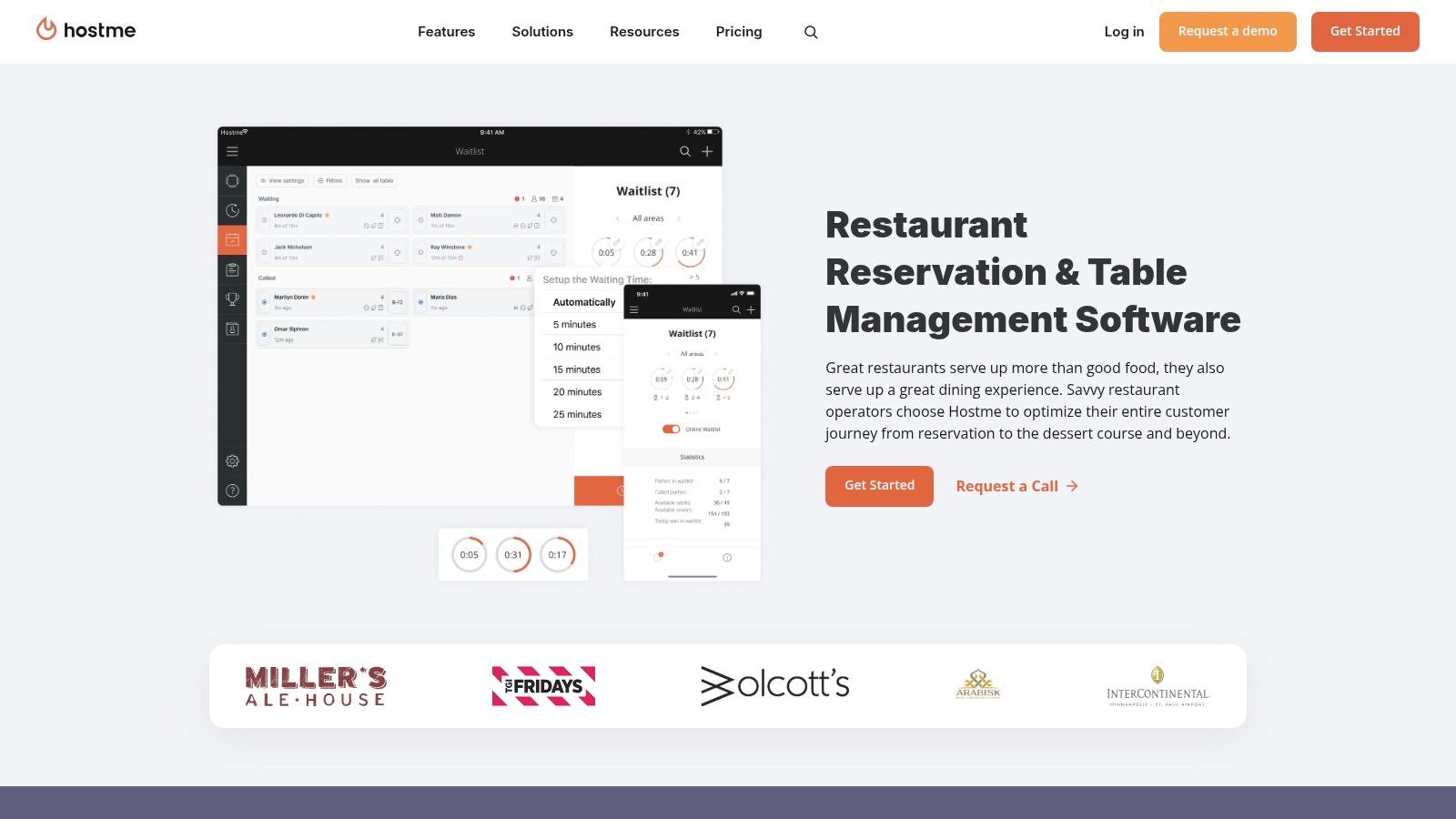
A two-week trial without a credit card is offered on Hostme's official site, so you can test a Friday service before paying. Use that trial properly. Add walk-ins at the door, move a large party, trigger a cancellation fee flow, and see whether your least technical host can run it under pressure.
- Strength: A broad front-of-house toolkit with waitlists, a guestbook, and no-show controls in one place.
- Limit: POS integrations aren't included in every tier, and some discovery integrations may carry additional charges.
- After the trial: Plans are paid, so confirm the tier that includes the integrations you need.
Guest feedback surveys inside an operations tool can help you spot slow service or training gaps privately. Keep public review requests open to every guest. Asking only satisfied diners to post publicly is review gating and breaks Google's policy.
If you're rebuilding your guest journey at the same time, our guide to create a digital menu with photos for free pairs well with a new booking link from the menu itself.
9. Resos
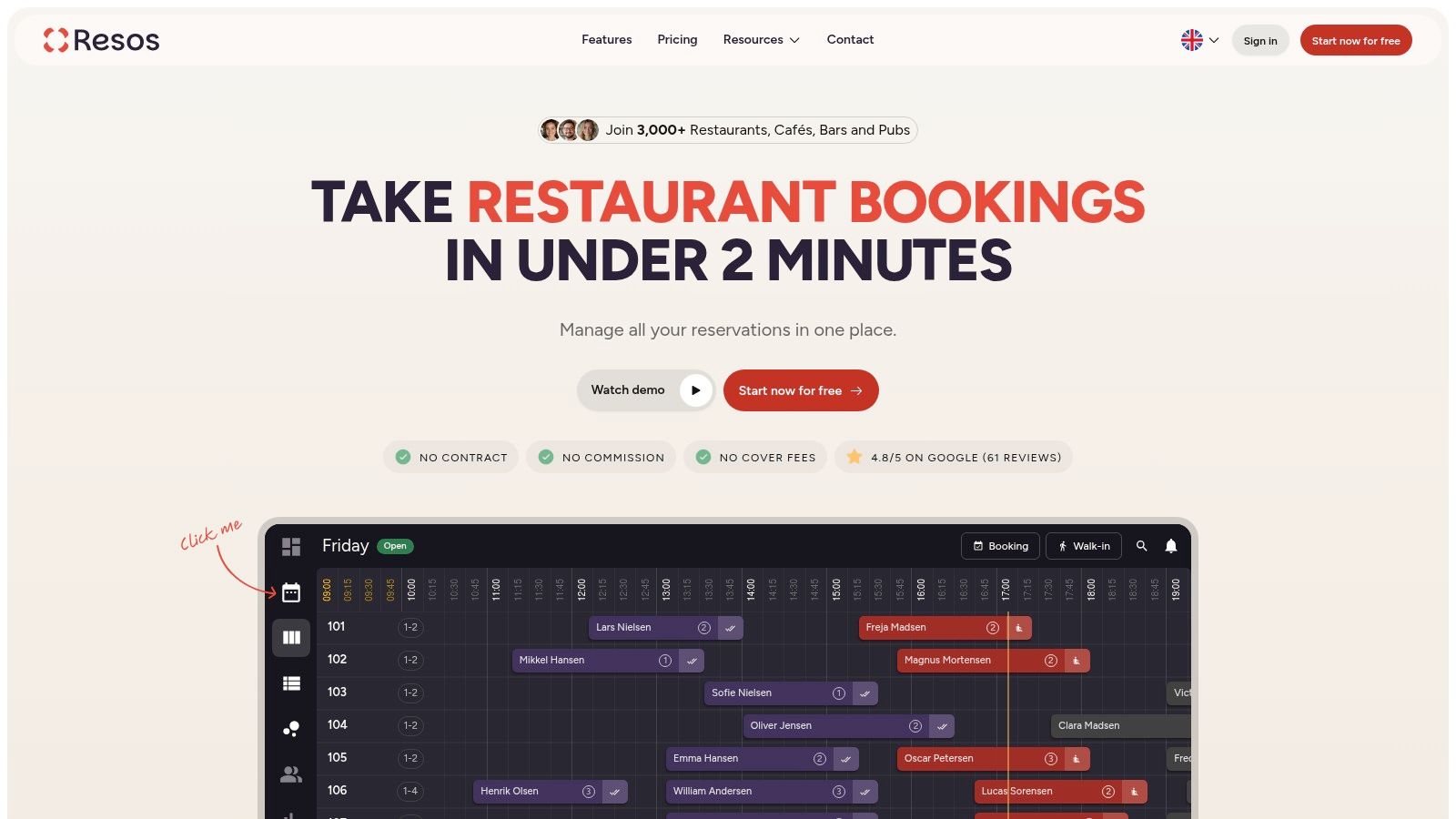
Resos is self-serve, publishes no-commission pricing, and offers a free plan without a credit card. You get an online booking page and website widget, floor-plan and table management, and guest CRM and reporting on paid plans. Paid plans can be paused or cancelled, which suits seasonal venues.
The limits deserve a hard look. The free plan is limited to 25 bookings per month on Resos and its published plan information, and booking limits also apply to paid plans. Waitlists, Google booking, deposits or payments, and social integrations are paid add-ons rather than included by default. Your low starting price can climb once you add the pieces most operators expect.
Use add-ons where the risk is real. A two-year study of reservation data from a restaurant in Hong Kong estimated that the probability of a no-show or late cancellation ranged from 9.07% to 12.95%, with the lowest rates on Thursdays and the highest on Saturdays, according to Resos's summary of the Hong Kong restaurant study. That pattern argues for deposits on scarce Saturday tables, not necessarily on a quiet Tuesday lunch.
- Best fit: A small venue with low booking volume that wants to start free and add features selectively.
- Poor fit: A busy restaurant that will pay for several add-ons and still watch a monthly booking cap.
Compare the fully loaded Resos bill against an uncapped direct page. Our TopFoodApp versus GloriaFood comparison is useful background if you're also weighing menu and ordering tools alongside reservations.
10. TableAgent
TableAgent keeps the proposition simple. Its official site advertises no monthly software fee for the core cloud reservation system, with access from phones, tablets, and computers, website integration, and deposit or upfront-payment options.
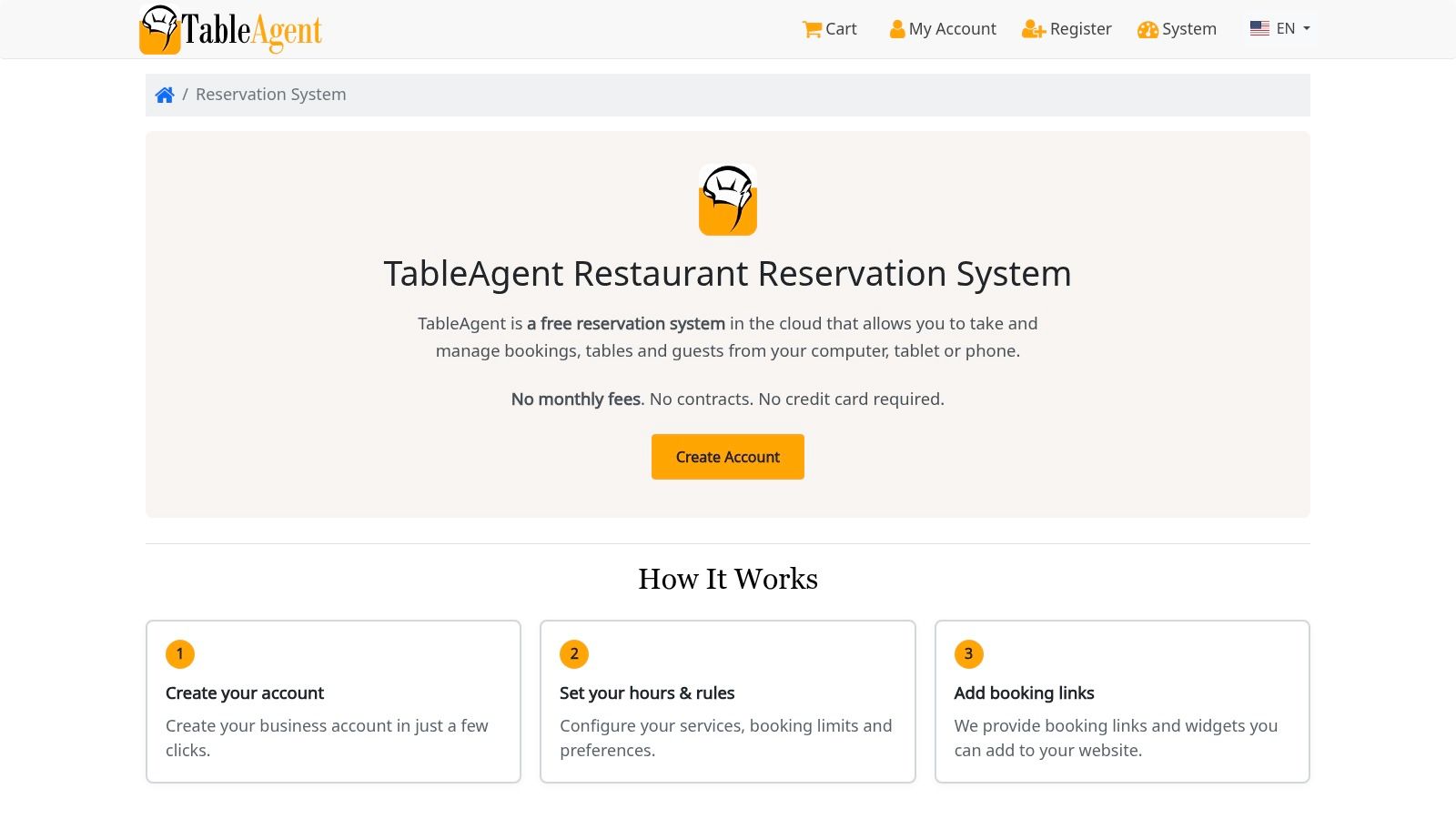
That can work for a budget-conscious restaurant, bar, winery, or seasonal venue with straightforward booking needs. You get a low-cost way to stop relying on a paper diary and scattered direct messages, and staff can check reservations without being tied to one till computer.
What to Verify Before You Rely on It
- Payments: Confirm payment-processing, deposit, and optional-service charges in writing.
- Guest journey: Book a table on your own phone, change it, cancel it, and read every confirmation message as a guest would.
- Support: Ask what help looks like on a Saturday night, not just during office hours.
- Depth: Expect fewer advanced CRM, marketing, and automation tools than paid platforms.
No monthly fee doesn't automatically mean no cost. Your time, payment charges, and any workaround for reminders or reporting still count. It also won't bring you a diner marketplace, so your Google profile, Instagram bio, website, and menu links need to do the discovery work.
I'd shortlist TableAgent if your needs are basic and you've tested the full booking flow. If you need richer guest data, multilingual menus, or structured feedback, you'll outgrow a bare reservation layer quickly.
Free options, published pricing and best-fit venues at a glance
The free option matters most when it covers the work your staff do. Check the price alongside booking limits, commission or per-cover fees, and how the system handles walk-ins and no-shows. Pricing and plan terms can change, so confirm them with the provider before choosing.
| Item | Free option | Published pricing | Best for |
|---|---|---|---|
| TopFoodApp | Core menu, booking and feedback tools free, with no per-item limits | Core tools are free; optional Pro plan pricing should be confirmed | Independent restaurants that want digital menus, commission-free reservations and guest feedback |
| Resy | No free plan stated | Plans start at $289/month; higher tiers cost more | Restaurants seeking reservations, table management and diner discovery |
| Tock | No free plan stated | Confirm plan pricing directly | Destination dining and venues offering ticketed events or prepaid experiences |
| Yelp Guest Manager | No free plan details stated | Pricing on request | Restaurants serving customers who use Yelp and managing bookings alongside walk-ins |
| SevenRooms | No free plan stated | Quote-based; pricing is not publicly listed | Restaurant groups, hotels and venues needing guest CRM and marketing tools |
| Toast Tables | No free plan details stated | Depends on Toast setup and package; confirm pricing with Toast | Restaurants already using Toast POS |
| Eat App | Free plan, limited to 100 covers per month | Confirm paid-plan pricing directly | Smaller operators seeking a free way to try reservations and guest management |
| Hostme | Two-week trial without a credit card | Published monthly pricing; confirm current rates with Hostme | Restaurants wanting reservation and waitlist tools |
| Resos | Free plan, limited to 25 bookings per month | Paid plans based on monthly booking volume; confirm current rates with Resos | Operators seeking self-serve booking with no-commission pricing |
| TableAgent | Core reservation system advertised with no monthly fee | No monthly fee for the core system; confirm any optional charges | Budget-conscious venues with straightforward online booking needs |
TopFoodApp is the publisher's own product, so it belongs in the comparison on the same terms as the other tools. Its free core combines a digital menu, commission-free table reservations and guest feedback. Diners can book through links from a restaurant's Google Business Profile, Instagram or menu, while email confirmations and reminders help reduce no-shows. It suits independent venues that want those workflows without a per-cover charge; restaurants seeking advanced group-wide guest management should compare the scope of each provider's paid tools.
Matching the Right Booking Tool to Your Venue
Start with three numbers from your own records. Count covers in a typical month, bookings lost to no-shows, and walk-ins turned away at peak times. Those figures tell you whether you're buying discovery, protection for scarce tables, a waitlist, or just a cheaper way to take bookings you already earn.
A single café with light reservations doesn't need the same machinery as a bar running tastings, a hotel restaurant serving guests in several languages, or a group sharing guest records across sites. Hotels should also check how bookings sit beside a hotel digital menu, because room-service and restaurant journeys often overlap on the same guest phone.
Run the Switch Like an Operator
Check the current price on each provider's site, confirm booking limits and add-on charges, and run a two-week trial while keeping your existing channel live. Export guest details before you cancel anything. Test the messy cases too, including a large party request, a late cancellation, a fully booked Saturday, and a walk-in queue when the host is also answering the phone.
Then put one direct booking destination everywhere guests already look. Link your Google Business Profile, Instagram bio, website, and digital menu to the same live page, using a location-specific link for each site if you have more than one. Our free restaurant reservation system is built for that direct route, with confirmations and reminders and no commission per diner.
Choose the system your team will still use correctly at 7.30pm on a packed Friday. A feature nobody opens during service has no operational value.
No-show policy should follow demand, not fashion. Use free reminders and easy cancellation for ordinary bookings, so guests release tables you can resell. Save card holds or deposits for peak services, special events, and larger parties, and state the cancellation window in plain local language before the guest confirms. Track results by day and service for a month, then tighten or relax the policy based on your own empty-table count.
Close the loop after the meal. Use a restaurant feedback form that every guest can access for private comments on food, service quality, and staff training, and show any Google review button to every diner rather than only satisfied guests. Put a code on tables and receipts through the QR generator linked earlier, read low ratings the same day, and fix the cause while the shift is still fresh in everyone's mind.
For a broader operational view, UI Lib's restaurant software comparison is worth reading beside your shortlist. The best alternative isn't automatically the platform with the largest network. It's the one that turns your existing search, social, and menu traffic into repeatable first-party bookings at a cost your covers can support.
Ready to take direct bookings without per-cover commission? TopFoodApp gives your restaurant a free booking page for Google, Instagram, and your digital menu, plus QR menus, allergen filters, translation, and private guest feedback in one toolkit. Set up your page, link it everywhere guests find you, and check tonight's bookings from your phone.