PDF Menu to QR Code: A Smarter Alternative for Restaurants
If you're searching for a way to put your restaurant menu behind a QR code, you've probably looked at tools like Soft Restaurant QR Menu, QRTiger, Menu Tiger, MenuHoster, OddMenu, BuonMenu, Menulux or Menubly. Most of them solve one narrow problem: hosting a PDF file at a stable URL and printing the QR code on a sticker. That works — until a diner pulls out a phone, waits for a 4 MB file to load, and starts pinch-zooming through a desktop-shaped page. This guide explains why a real digital menu is a stronger choice in 2026, and how to move from a hosted PDF to a multilingual, real-time editable online menu in a few minutes.

Why a PDF behind a QR code is the weakest QR menu option
Most "PDF to QR code" tools are essentially file hosts. The QR code points to a static PDF on a CDN. That layer is fine; what's underneath isn't.
- Slow on mobile: PDFs are routinely 2–8 MB. On 4G or a crowded restaurant Wi-Fi, that's a 3–10 second wait before the first dish is visible. Many diners give up before the file opens.
- Designed for paper, not screens: Two-column A4 layouts force pinch-zoom and horizontal scrolling. Around 83% of diners scan QR menus on a phone — the wrong format for the wrong device.
- Invisible to Google: Search engines parse PDFs poorly. Your dish names, descriptions, and prices never enter the index where local "restaurants near me" searches happen. Your menu carries no SEO weight.
- No multilingual support: A PDF is a frozen image of one language. Tourists either translate dish by dish in Google Lens or order blind.
- Updates mean re-uploading the file: Every typo fix, price change, or 86'd dish requires a new export from your design tool, a re-upload, and — with some tools — a brand-new QR code to reprint.
- No analytics, no allergen filtering, no progressive photos: A PDF is a flat artifact: no clicks, no scroll depth, no per-dish data, no diner-side filtering.
What a true digital menu does that a hosted PDF can't
Switching from PDF hosting to a structured digital menu changes the underlying object. Each dish becomes its own record with a name, description, price, image, allergens, and translations — not a frozen rectangle of pixels.
Mobile-native rendering
Each dish renders as responsive HTML in well under a second, even on slow connections — no downloads, no pinch-zoom.
Multilingual by default
A diner's phone language switches the menu automatically. You write each dish once; translations into 44 languages happen for you.
Real-time edits
Mark a dish as sold-out, change a price, or add a special; diners scanning ten seconds later see the new version. The QR code never changes.
Indexable by Google
Dish names, descriptions, and your restaurant's location become structured content that local search can rank.
The QR menu landscape in 2026: who does what
A short tour so you can self-locate. Each tool has a place — we map the gaps that TopFoodApp fills.
- Soft Restaurant QR Menu: Bundled with the Soft Restaurant POS, focused on Mexican and Latin American operators who already run that POS. Useful if you're locked into the ecosystem; less flexible for independent restaurants.
- QRTiger / Menu Tiger: Menu Tiger is the dedicated restaurant module of QRTiger's broader QR code platform. Strong on QR analytics; the features most restaurants actually want — table management, white-label branding, KDS — sit behind the $46–$119/month tiers.
- MenuHoster and OddMenu: Explicitly "PDF-to-QR hosts." They solve the file-hosting half of the problem cleanly, but they don't structure your menu, so the mobile and SEO problems above stay with you.
- BuonMenu and Menulux: Full digital menu builders with QR codes; subscription-only, typically €25–€50 per month. Multilingual usually means you translate every string yourself.
- Menubly: Mobile-friendly digital menu with PDF import. A free tier exists; ordering, branding, and analytics live behind the premium plans.
- Flipdish: Designed for chains and larger operations — websites, native apps, kiosks. Pricing starts around €49/month for the website-only plan.
The honest summary: PDF-hosting tools are the fastest path to a QR sticker, full-stack platforms give you a real menu but cost €25–€120 per month, and almost none of them translate your menu automatically.
Where TopFoodApp fits in
TopFoodApp gives you the benefits of a structured menu without the enterprise pricing, plus the one feature almost no competitor offers without manual work — automatic multilingual menus.
- Free to start: Publish a working digital QR menu without a credit card. A Pro tier exists for AI translation review and advanced features.
- 44 languages, automatic: Write your menu once in your language; diners see it in theirs — Spanish, English, French, German, Italian, Portuguese, Chinese, Japanese, Arabic, Hebrew, and 34 more, with proper right-to-left support for Arabic, Hebrew, Persian, and Urdu.
- Real-time editing: Change a price, hide a dish, or add a special from your phone between services. No re-exporting, no QR reprinting.
- Photos that actually load: Images are served as compressed WebP variants, so dish photography doesn't kill page speed on mobile.
- Allergen tagging: Mark dishes with gluten, dairy, nuts, shellfish, and more, and let diners filter — useful for compliance in the EU and UK.
- SEO-friendly URLs: Your public menu is crawlable HTML with structured data, not a PDF. Dish names become content Google can rank for.
- PDF import: Upload your existing PDF menu and the AI digitizer extracts dishes, sections, and prices into your editable digital menu — so you don't lose the work you already did.
How to move from a hosted PDF to a real digital menu
Four steps, usually under ten minutes from sign-up to a working QR code.
-
Sign up and import your PDF
Create a free TopFoodApp account and upload your current PDF menu. The menu digitizer parses sections, dishes, descriptions, and prices into editable records.
-
Review and refine
Add a photo to your bestsellers, tag allergens, write short descriptions, and structure sections the way diners actually scan them.
-
Print one QR code
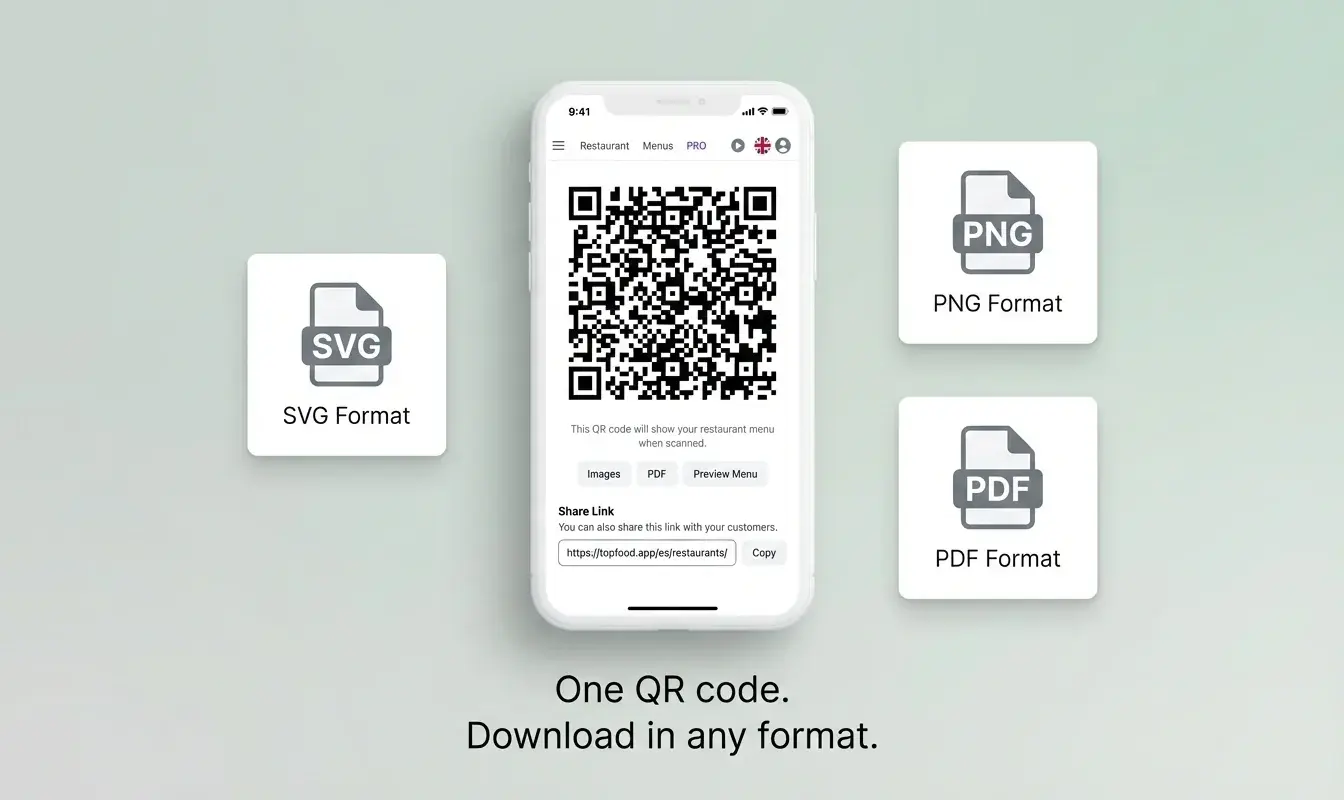
Generate the QR code for your restaurant and print it on table tents, the door, or the receipt. This QR code is permanent — every future edit reuses the same code.
-
Edit live, in any language
Update prices from your phone, hide an out-of-stock dish, or push a daily special. Diners scanning two seconds later see the new menu, in their own language.
PDF QR menu vs. true digital menu — side by side
| What diners (and Google) experience | PDF behind a QR code | TopFoodApp digital menu |
|---|---|---|
| Time to first dish visible on mobile | 3–10 s (file download) | Under 1 s (responsive HTML) |
| Readable without pinch-zoom | No | Yes |
| Languages | One (whatever the PDF was exported in) | 44, automatic per diner |
| Right-to-left support (Arabic, Hebrew) | No | Yes |
| Updating a price | Re-export PDF, re-upload, sometimes reprint QR | Tap, save — live in seconds |
| Marking a dish as sold out | Not possible without re-export | One tap |
| Allergen filtering by the diner | No | Yes |
| Indexed by Google for dish keywords | No | Yes |
| Photos | Only if embedded in the PDF (bloats file size) | WebP-optimized, lazy-loaded |
| Analytics on what diners actually view | No | Per-dish view data |
From PDF host to real digital menu
Hosting a PDF behind a QR code was a fast win in 2020. In 2026 it's the slowest, least findable, and least flexible way to share a menu. A structured digital menu loads in under a second, translates itself for every diner, ranks in local search, and updates between services without reprinting a single sticker.
Read why digital QR menus beat paper menus
See how to build a digital menu from scratch
Frequently Asked Questions
Can I keep my PDF menu and just put a QR code on it?
You can, and some tools do exactly that. The article above explains why diners on phones — which is more than 80% of QR scans — get a poor experience compared to a true digital menu. A middle ground: use TopFoodApp's PDF import to turn your existing PDF into a digital menu in a few minutes, without redoing the design work.
Do I need to reprint my QR code every time the menu changes?
No. Your TopFoodApp QR code is permanent. The URL behind it stays the same; the content updates live.
How does automatic translation work?
When a diner opens your menu, the page is served in their phone's language. You write each dish once; translations into the other 43 supported languages happen automatically, including the four right-to-left languages — Arabic, Hebrew, Persian, and Urdu.
Will my menu show up in Google?
Yes. Unlike PDFs, your public menu URL is crawlable HTML with structured data, so dish names and your location feed into local search results.
Is there a free plan?
Yes. You can create and publish a digital QR menu for free. Pro features — such as AI menu translation review and advanced customization — live on the paid tier.
How is this different from QRTiger, MenuHoster, or Soft Restaurant QR Menu?
QRTiger and MenuHoster focus on hosting a file (often a PDF) behind a QR code; Soft Restaurant QR Menu is bundled with the Soft Restaurant POS. TopFoodApp is built around a structured, multilingual menu with real-time edits and a free tier — closer to a full menu CMS than a file host.